
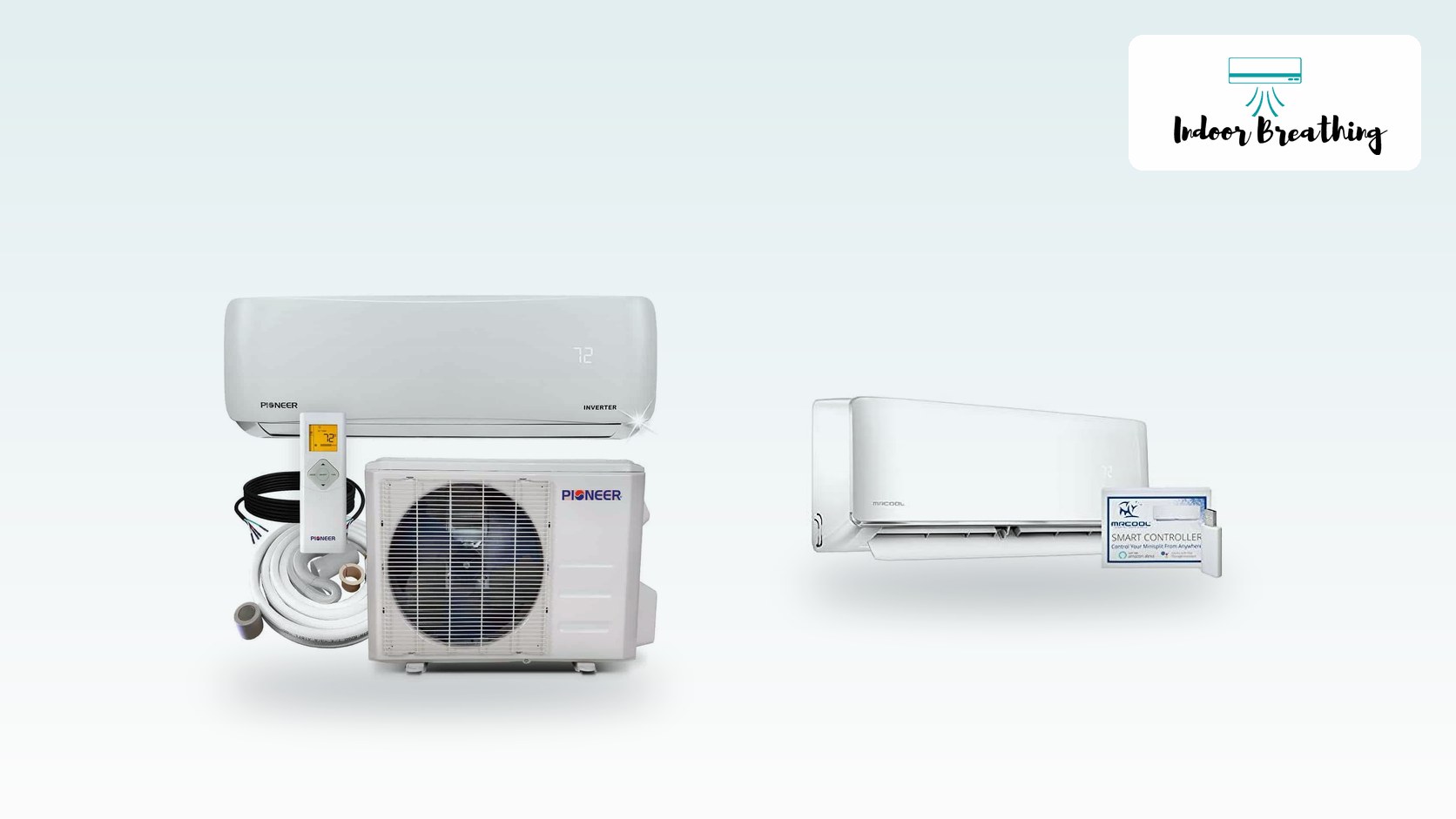
A blinking green light on a mini-split usually isn’t a failure — it’s a status indicator, and what it means depends entirely on the brand. MRCOOL’s own troubleshooting guide lists solid green as normal standby on outdoor units without a digital display. Pioneer doesn’t tie fault meaning to light color at all; instead, check the alphanumeric code (E1, P4, EL01) on the indoor unit’s display for the real answer.
This guide reflects MRCOOL’s published troubleshooting service guide and error-code documentation, and Pioneer’s owner’s manual and error-code reference. Codes differ by model, so check your own manual.
If you’re staring at a green light wondering whether to panic: on most brands, green by itself is the “powered and idle” signal, not a fault code. Mini-splits don’t standardize light meanings across manufacturers the way a car’s check-engine light is standardized, so what matters is your specific brand’s documentation, not a general rule from a forum. Below is what’s actually verified for MRCOOL and Pioneer, plus what to do if you own something else.
Table of Contents
Most Likely Causes of a Blinking Green Light
In rough order of how often each one turns out to be the actual cause:
- Normal standby or idle state. The system is powered on and waiting for a call to cool or heat — not running, not broken.
- The 3-minute compressor restart delay. Most inverter mini-splits (including Pioneer’s, per its own manual) force a 3-minute pause before the compressor restarts after any power interruption. The light may flash the entire time. This is protection, not damage.
- A Wi-Fi module pairing or reconnecting. If your unit has a smart Wi-Fi controller, its status light is often a separate green LED from the AC’s own operation light, and it blinks during app pairing or when it loses your router’s connection — unrelated to how the AC itself is running.
- An actual fault, paired with a code. This is the least common cause but the one people worry about most. On brands with a digital display, a real fault always shows an alphanumeric code alongside the flashing light. If you only see a color with no code anywhere, it’s much more likely to be one of the first three.
MRCOOL Mini-Split Green Light Meaning
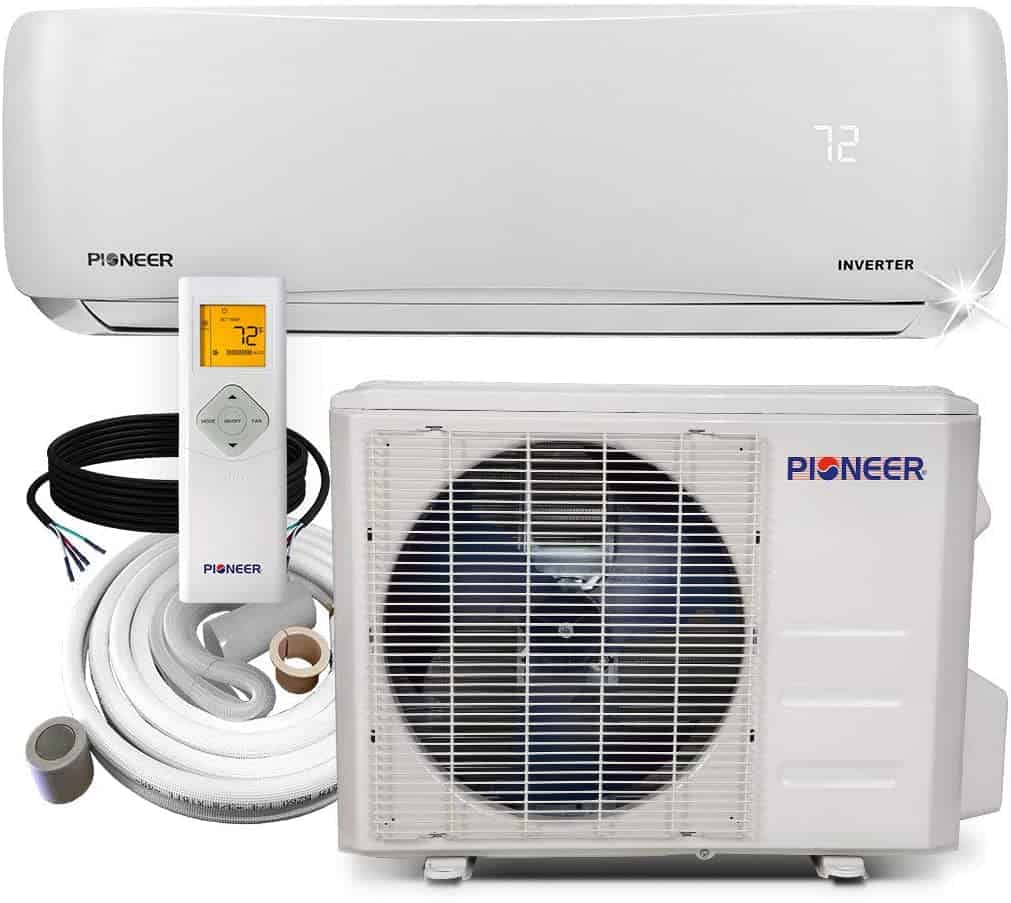
MRCOOL publishes an official troubleshooting service guide for its DIY-series outdoor units, and it’s specific enough to actually quote. On outdoor units that don’t have their own digital display, there are two LEDs welded to the main control board — one green, one red — and MRCOOL’s guide documents exactly what each combination means:
- Green solid ON, red OFF: standby normally — the unit is powered and idle, not actively running.
- Green OFF, red ON: operating normally — the system is actively cooling or heating.
- Green solid ON, red flashing: a compressor-driver chip EEPROM parameter error — a stored-settings chip on the board has failed.
- Green flashing, red OFF: IPM (intelligent power module) malfunction or IGBT over-current protection — an internal power-switching fault.
- Green flashing, red flashing: a communication error between the outdoor unit’s main chip and the compressor-driver chip.
That last group of faults all point at the control board itself, not something you can reset with a remote. If your MRCOOL DIY-series mini-split has a digital display on the indoor head instead (most current DIY units do), you won’t be reading LED colors at all — you’ll see an actual code like EL 01 (communication error between indoor and outdoor units) or EC 51 (outdoor unit EEPROM error), per MRCOOL’s published owner’s manual and its support site’s error-code guide. On those units, the code on the screen is the diagnosis; the light is just there to catch your attention.
Looking ahead, more mini-splits will come with app alerts and clearer error codes, which should make a blinking light easier to read. New units are also moving to newer refrigerants, so techs and parts will change over the next few years.
Pioneer Mini-Split Green Light Meaning
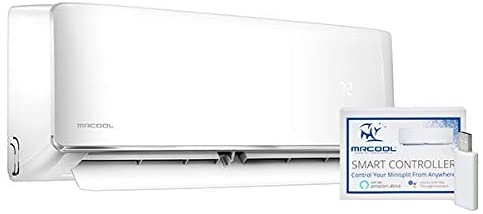
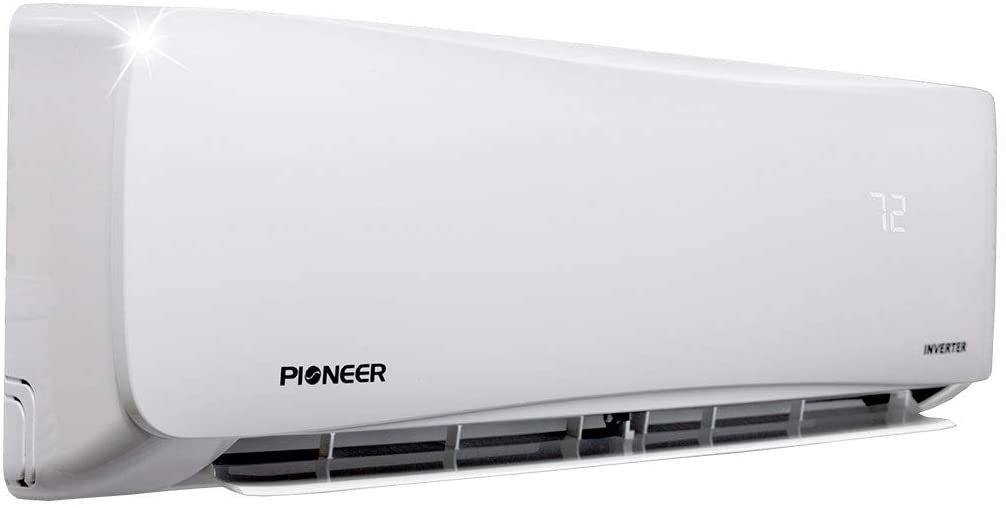
Pioneer’s own owner’s manual for its WAS/WYS series (the same series as our WYS018GMFI22RL and WYS012-17 models we’ve reviewed) doesn’t document a specific meaning tied to the color green at all. What it documents instead is this: when something is wrong, the indicator lamp on the indoor unit continues flashing, and an alphanumeric error code (E0-E9, EC/EH/EL, F-series, or P-series depending on the model line) shows up in the display window at the same time. Pioneer’s manual is explicit that if the light is flashing with no code and the unit is mid-restart, it’s most likely the standard 3-minute compressor protection delay, not a fault — wait it out before assuming anything’s broken.
If a real code does show up, Pioneer’s official error-code reference lists what each one means. A few of the more common ones worth knowing:
- EL 01 — communication error between the indoor and outdoor units (the same code MRCOOL uses, for what it’s worth — several mini-split brands share the same OEM control-board design, so identical codes across brands aren’t a coincidence).
- P4 — outdoor unit discharge-pipe over-temperature protection.
- FP — anti-condensation protection, which is worth checking your condensate drain line for a clog or backup before calling anyone.
- CL — not a fault at all, just the 240-hour filter-cleaning reminder.
The takeaway for Pioneer owners: don’t try to diagnose from the light color. Find the actual code on the display and match it against Pioneer’s published list.
If You Own a Different Brand
We can only verify what MRCOOL and Pioneer actually document. If your mini-split is a different brand — Mitsubishi, LG, Gree, Senville, Cooper & Hunter, or anything else — don’t assume either explanation above applies. Every manufacturer designs its own LED and display logic, and a meaning that’s true for one brand isn’t automatically true for another, even when the hardware looks similar. Pull up your specific model’s manual and look for the error-code or LED-indicator section by name rather than guessing.
The risk to watch is guessing. A blinking light can point to a simple fix like a clogged filter, but it can also point to a sensor, a communication fault or a refrigerant problem that needs a licensed tech. Resetting the unit over and over can hide a real fault.
How to Fix a Blinking Green Light
- Write down exactly what you’re seeing before touching anything: which unit (indoor or outdoor), which color, solid or flashing, and whether any letters/numbers show anywhere on the indoor display. That code is the real diagnosis — the light color alone rarely is.
- Power-cycle at the breaker, not just the remote. Turn off the dedicated circuit breaker, wait a full 5 minutes, then restore power. This clears the momentary glitches and protection trips that cause a light to flash with no real underlying problem.
- Let it complete the 3-minute restart delay before judging anything. Inverter compressors intentionally pause a few minutes after any power event — flashing during this window is expected, not a fault.
- Recheck the display for a persisting code once the unit has settled. If nothing shows up and it’s cooling or heating normally, you were looking at a standby or restart-delay signal the whole time.
- If a condensation or frost-related code appears (Pioneer’s FP/FU codes, or similar anti-frost protection on other brands), check that the condensate drain isn’t blocked and the outdoor unit has clear airflow before doing anything else — a backed-up drain or blocked coil typically triggers that class of protection.
- If it’s a separate Wi-Fi module light, re-pair it through the manufacturer’s app or the remote’s Wi-Fi/LED button. This affects app control only, not cooling or heating.
- If the code points to voltage protection, compressor drive errors, or refrigerant pressure — stop here. That’s the next section.
When to Call a Professional Instead
This is the part of any troubleshooting article that matters most, so we’re not going to soft-pedal it: some of the codes and LED combinations above point to work that genuinely isn’t a DIY job, and treating it as one risks both your safety and the system.
Refrigerant-related codes (high/low pressure protection, discharge over-temperature, sub-cooling or overheating protection) mean the sealed refrigerant circuit needs diagnosis with gauges and possibly a recharge. Handling refrigerant legally requires EPA Section 608 certification, and opening a charged line without the right recovery equipment can release refrigerant and damage the compressor. Don’t attempt this yourself — call a licensed HVAC technician.
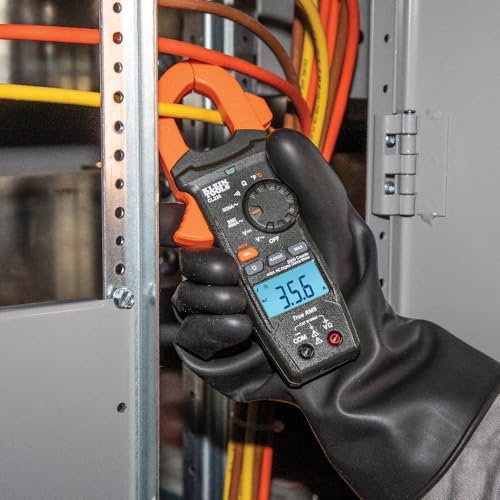
Board-level and line-voltage electrical faults (IPM/IGBT over-current protection, over/under-voltage protection, compressor drive errors, EEPROM chip failures) mean something inside the outdoor unit’s control box has failed. Diagnosing these safely means working inside a live electrical panel with the right meter and protective equipment — not a job for a multimeter and a Saturday afternoon. This also requires a licensed technician; don’t attempt line-voltage electrical work yourself.
A good rule of thumb: if the fix involves the breaker, the remote, the filters, or the outdoor unit’s airflow and drainage, it’s reasonable to try yourself. If it involves opening the refrigerant lines or the control board’s internal wiring, it isn’t.
When Repeated Faults Mean It’s Time to Replace
If your mini-split keeps throwing the same board-level or compressor-drive code after a technician has already repaired it once, or the unit is well past the 10-15 year mark typical for these systems, repeated repair bills start to outweigh the cost of a new unit. Our guide to the best single-zone mini-split ACs is a reasonable starting point for a replacement, and our sizing guide can help you avoid the most common mistake homeowners make when replacing one — buying a unit that’s the wrong tonnage for the room.
Related Guides
Keep going with ductless mini-split air conditioners, mini-split ratings and sizing and low-cost HVAC upkeep.
What happens next: as more homes install mini-splits, the number of units that are out of warranty will grow. Keep the manual, write down the model number and the code you see, and photograph the display before you call for help.
FAQ
Is a blinking green light always bad?
No. On most mini-splits, green by itself signals power/standby status rather than a fault. It only becomes a real concern when it’s paired with an actual alphanumeric error code on the display, or when the light pattern matches a documented fault combination like the ones MRCOOL publishes for its outdoor control board.
Why does the light turn off when the unit is actually running?
On MRCOOL’s outdoor-unit LED system specifically, this is documented behavior, not a malfunction: green ON with red OFF means standby, while green OFF with red ON means the system is actively running. It’s counterintuitive, but it’s how that board is designed to report status.
What does a solid (non-blinking) green light mean?
On MRCOOL’s documented system, solid green with the red LED off means the unit is in normal standby, not actively cooling or heating. Solid usually reads as more benign than flashing across mini-split brands generally, but always confirm against your specific brand’s manual rather than assuming.
Can you keep using the unit if the light is blinking but it still cools fine?
If there’s no error code showing anywhere and the system is genuinely cooling or heating as expected, it’s reasonable to keep using it — you’re most likely seeing a standby or restart-delay signal. If a code does appear, even if the unit still seems to work, don’t ignore it; some protection modes let the system keep running in a degraded state right up until they don’t.
How do you find your mini-split’s exact error code?
Check the indoor unit’s digital display first — most current mini-splits show a letter/number code there directly. If there’s no display, some models let you retrieve a stored code through the remote (commonly by holding the LED or TEMP button for several seconds), and outdoor units without a display use the LED flash-count method documented in the brand’s service manual. Whatever you find, match it against your specific brand’s published error-code list, not a generic list from a different manufacturer.